leauvano Logo Leauvano

Our Work

Practical courses designed for adults starting from zero

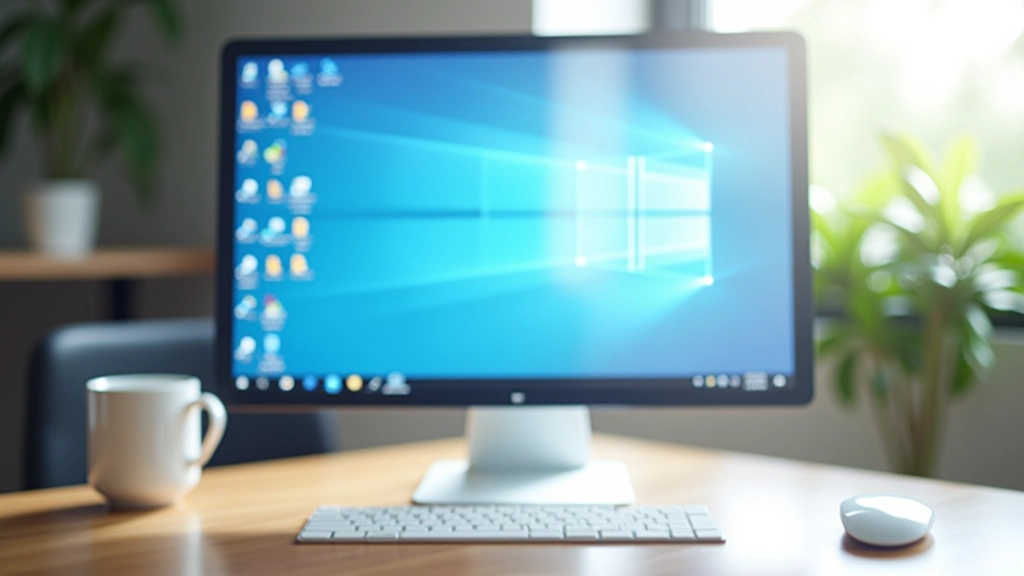
Desktop computer setup with keyboard and mouse
Course Module

PC Fundamentals: Getting Started

Introduction to desktop computers covering hardware components, power management, file systems, and basic system navigation. This module takes you through understanding what each part of your computer does and how to care for it properly.

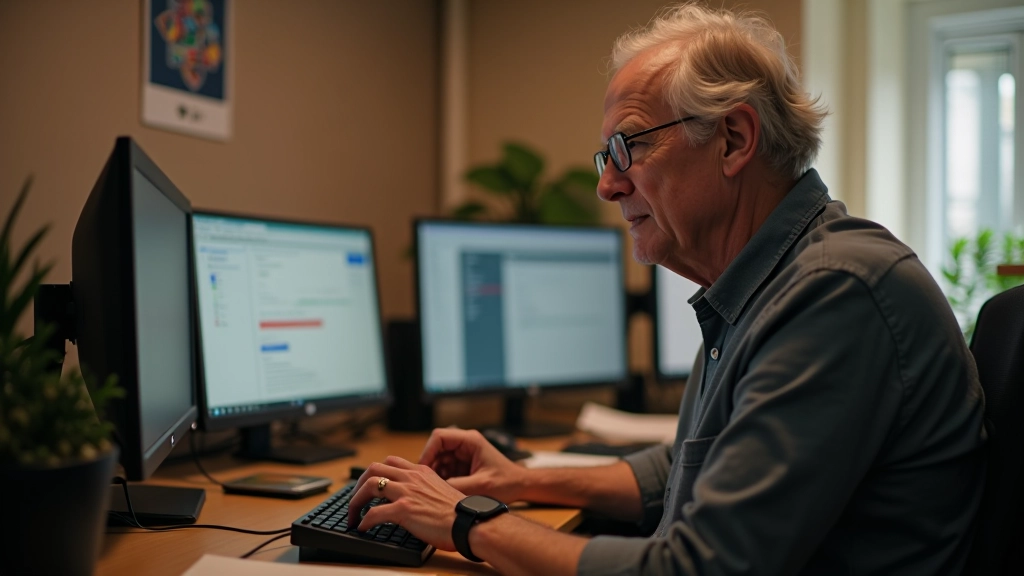
Hands positioned on keyboard keys
Practical Training

Keyboard and Mouse Essentials

Hands-on training in using keyboard and mouse effectively. Through practice exercises, you'll develop muscle memory, learn keyboard shortcuts, and build confidence with pointing devices. Each session includes real-world typing and clicking drills tailored to your pace.

Windows desktop screen with folders and files
Workshop Series

Desktop Navigation and Workflow

Learn to navigate Windows efficiently, manage applications, and organize your workspace. We cover the desktop interface in detail—what everything does, how to find your files, and how to work at a comfortable pace without feeling rushed.

Tablet and computer screen side by side
Complete Programme

Beginner to Confident User

A 12-week beginner-friendly programme built around weekly practical sessions. Starting with the absolute leauvano and progressing at a comfortable pace, you'll gain genuine confidence using a computer for everyday tasks—email, browsing, and file management.

Ready to get started?

Get in touch with us to learn more about our courses and find the right programme for you.

Contact Us